Flight Strip System
- Client
- Air traffic control systems provider
- Via
- Qt Group
- Role
- Design Lead & Front-End Developer
- Dates
- May 2026
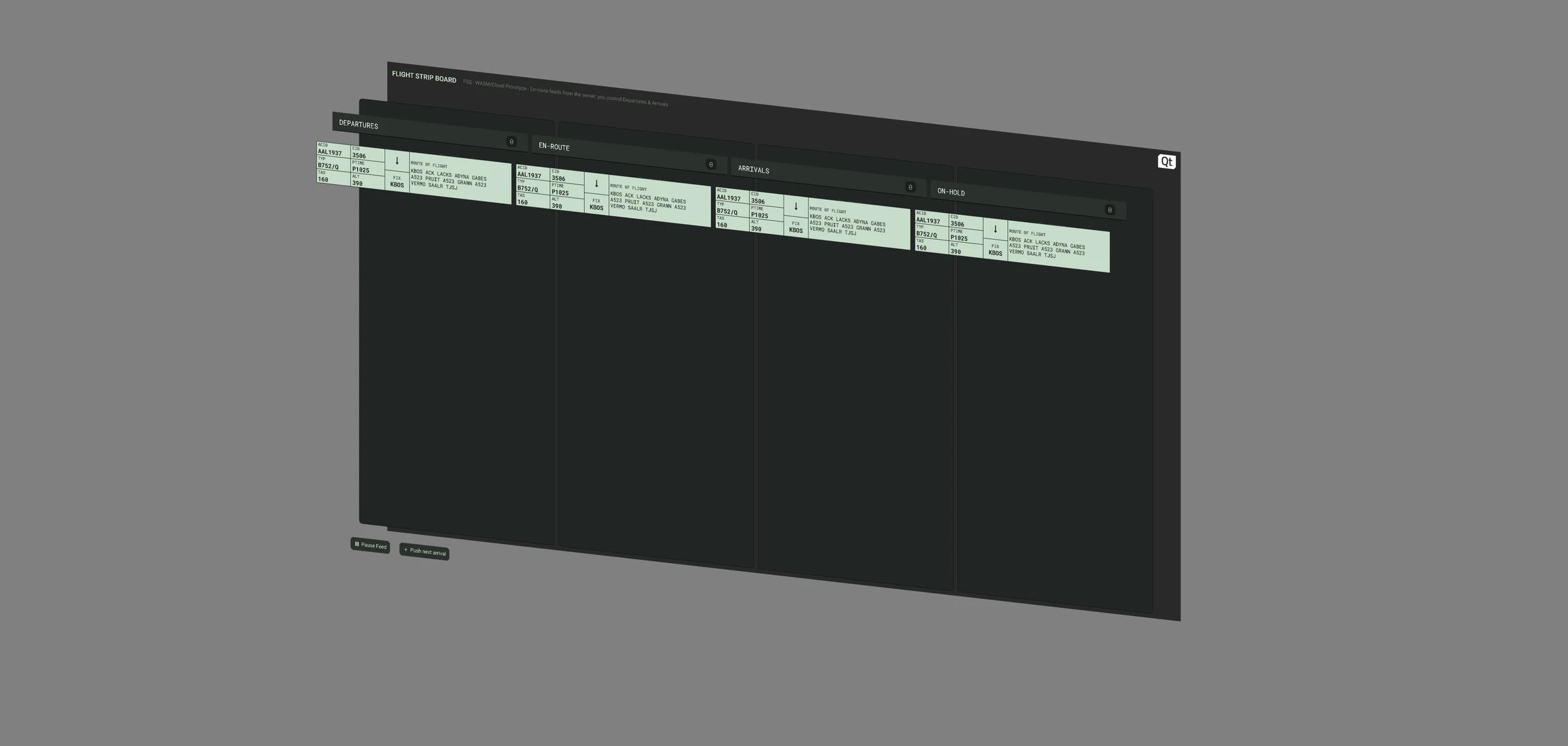
A browser-based flight strip board for air traffic control: a demo proving that a WebAssembly client fed from the cloud can render real strips and move them smoothly.
- 01Designed and built the front end of a working WebAssembly demo as the only designer
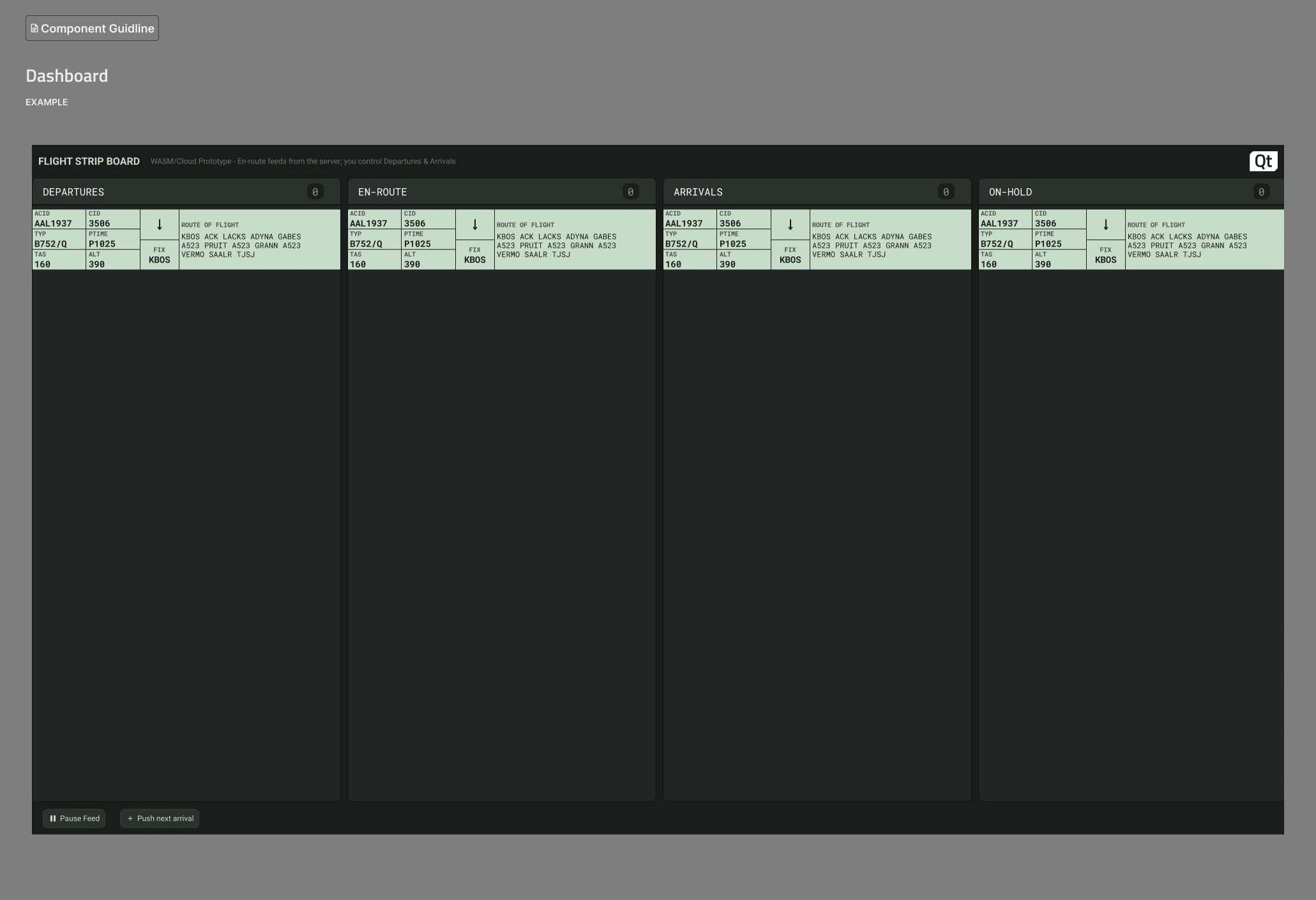
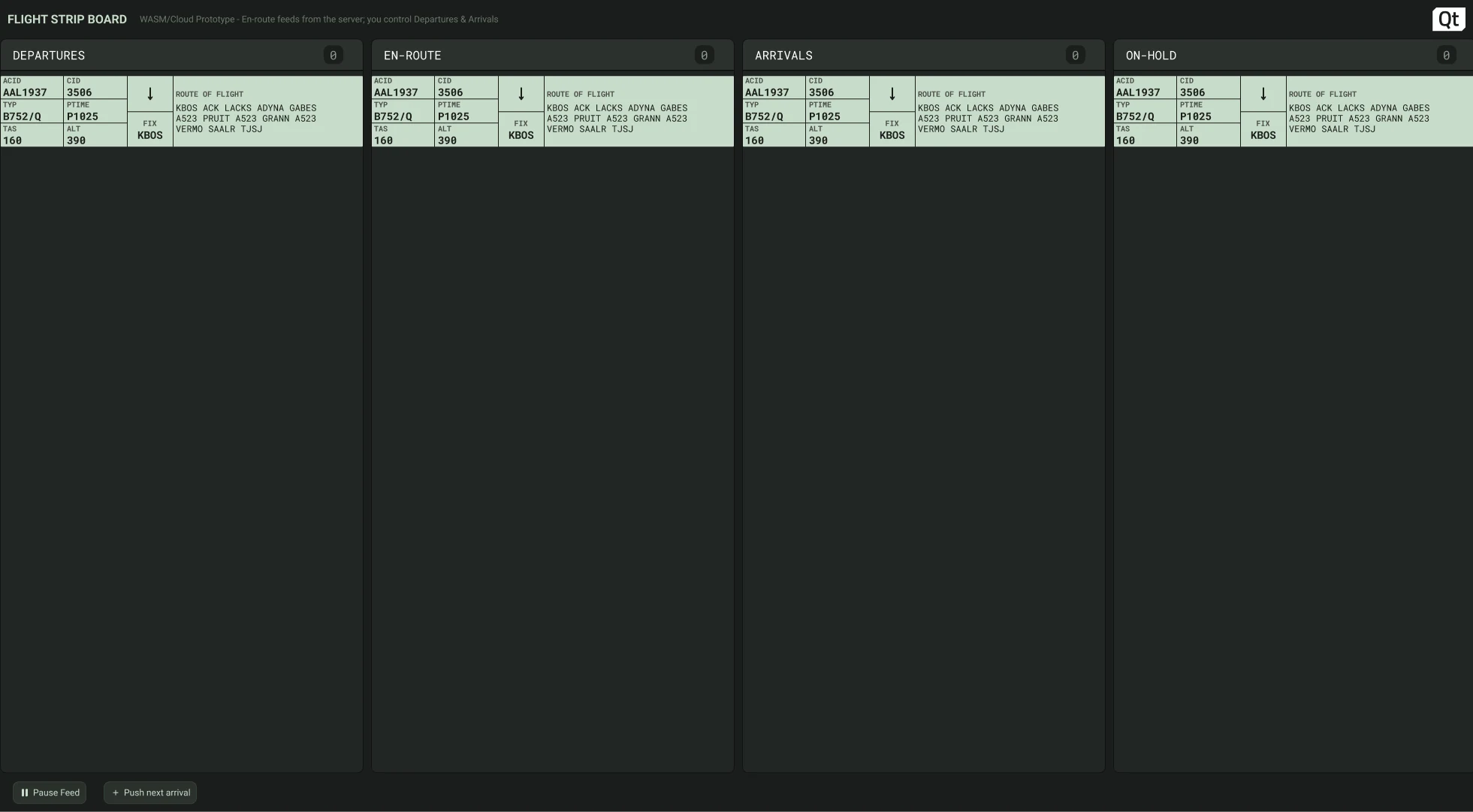
- 02Designed a four-column flight strip board where each column has its own behaviour: server-fed, controller-managed or on hold
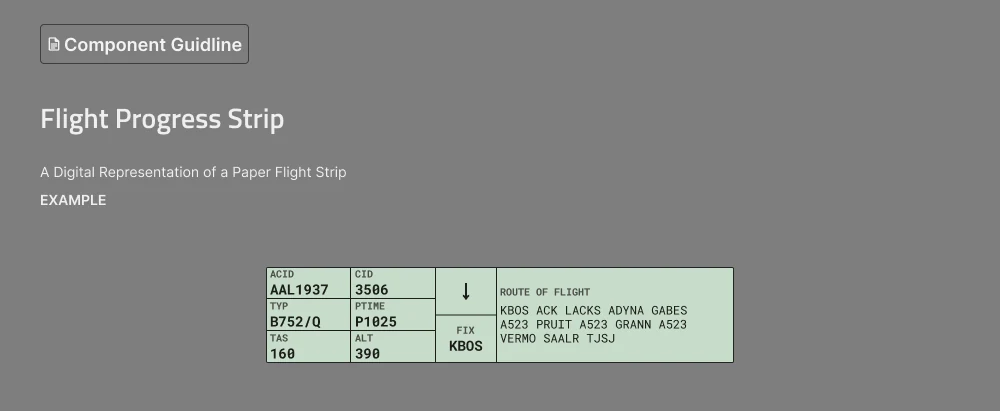
- 03Reproduced the FAA en-route flight progress strip's block layout as a digital strip
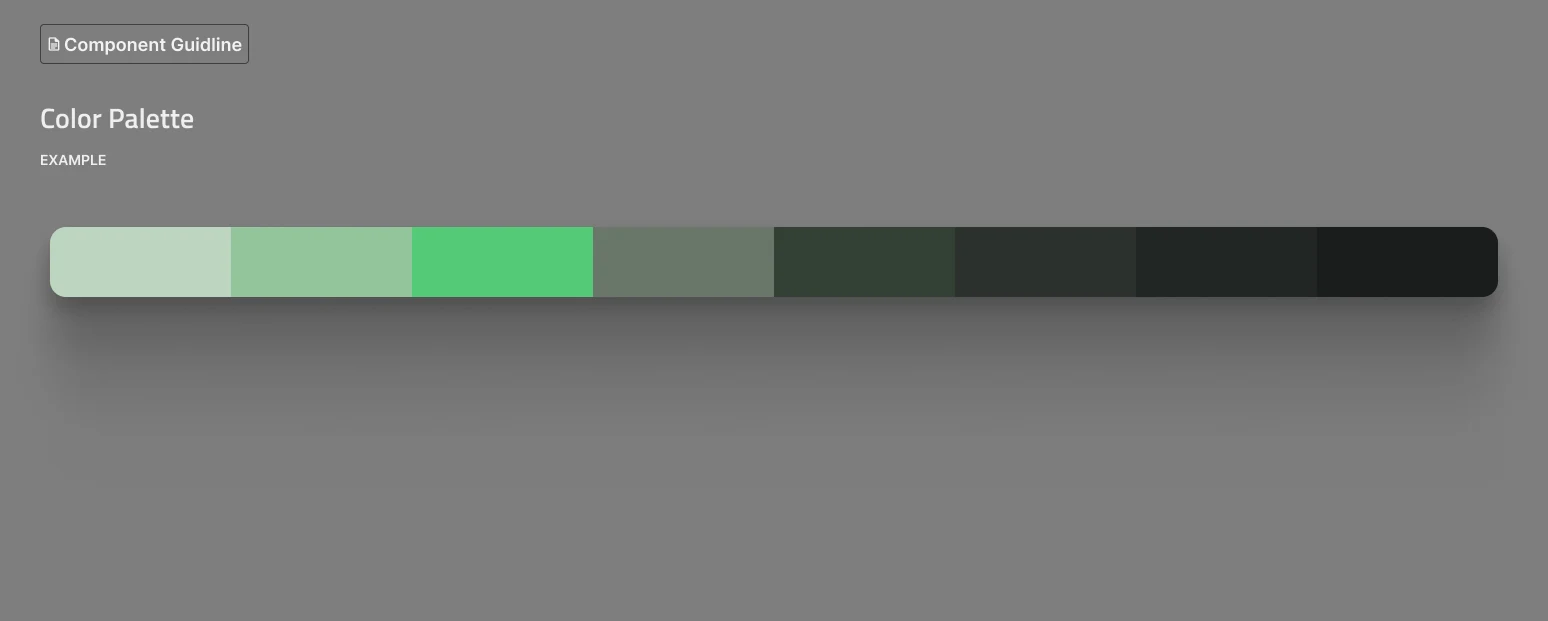
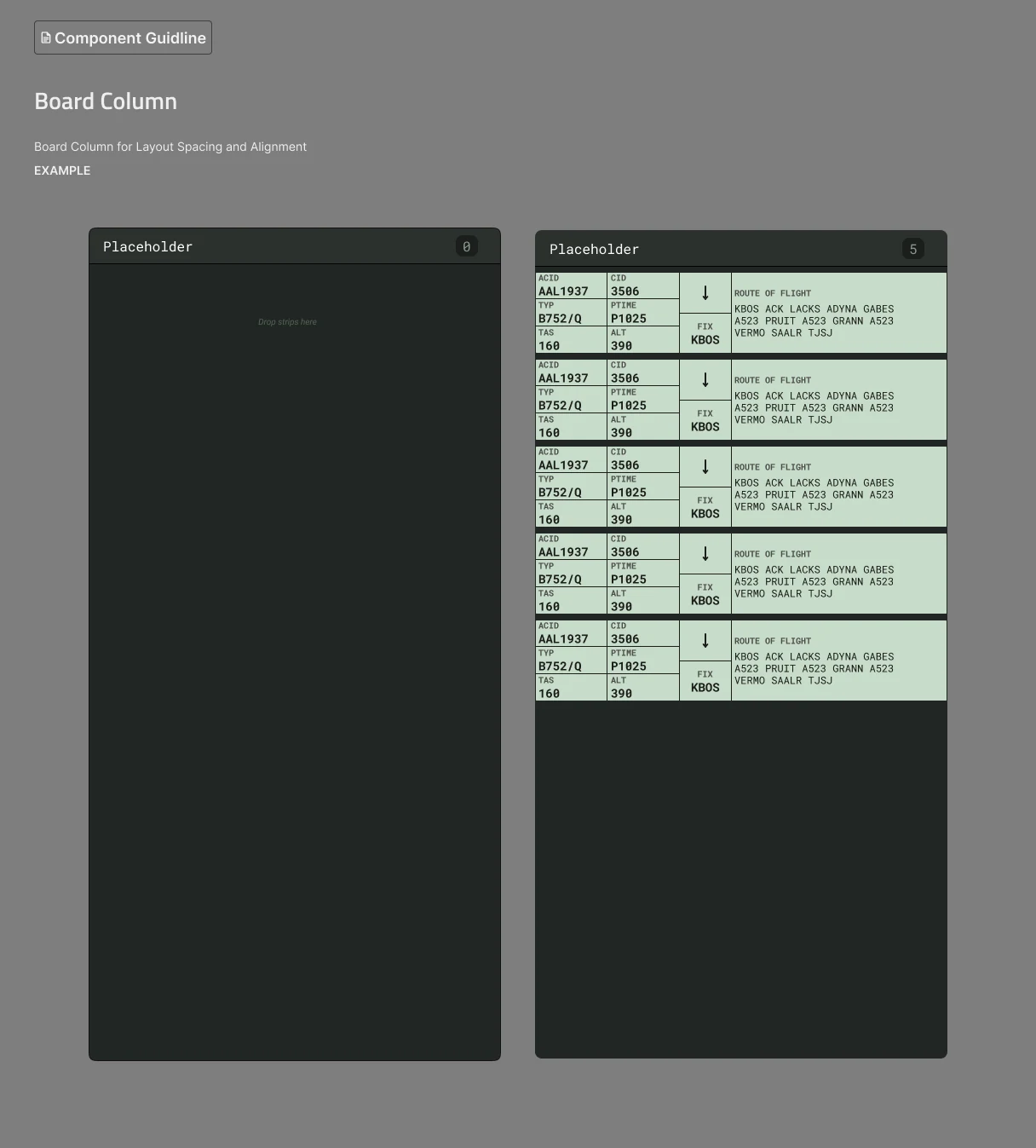
- 04Documented the board as component guidelines: palette, header, status bar, column and strip
01 — The brief
The brief
The customer is moving its flight strip system off ageing workstation hardware to a browser client built with WebAssembly, with the data served from the cloud. The demo had one job: prove that this client can render high-fidelity flight strips and handle drag, reorder and move-between-column interactions at production-credible speed.
I was the only designer and the front-end developer. The demo was built and ran in the browser as WebAssembly. It is a technical proof, not a controller tool, but it had to look right to people who know real strips.
02 — One strip, full fidelity
One strip, full fidelity
A flight progress strip is how a controller tracks one aircraft. The digital strip keeps the numbered-block layout of the FAA en-route strip (FAA Order JO 7110.65), so a controller finds each field where they expect it. The callsign leads; altitude and route come next.
Monospaced uppercase type, dark text on the pale green of paper strips, and grid lines lighter than the data.
03 — Columns with behaviour
Columns with behaviour
The board's columns follow the phase of flight, and each behaves differently. En-route is fed by the server: new strips arrive on their own. Departures and Arrivals are the controller's queues to reorder, and On-hold is where a flight is set aside.
That split tells the architecture's story in one gesture: a flight arrives in En-route from the cloud, and the controller drags it into the Arrivals queue.
04 — Component guidelines
Component guidelines
The board was handed over as component guidelines: the colour palette, header, status bar, board column and strip, each with an example.